Online coaching: how to run clients remotely (and the app you need)
· 6 min read
⚡ Short answer
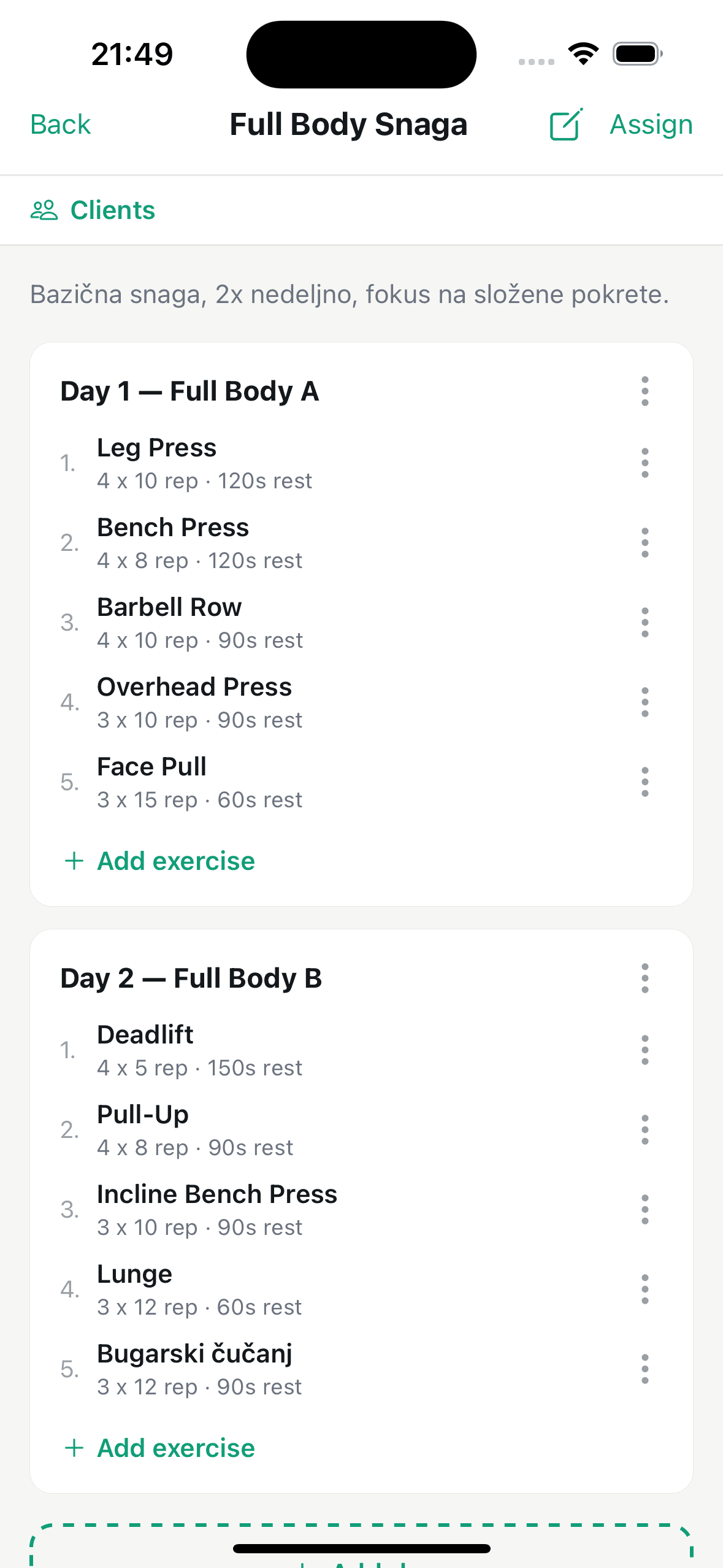
Online coaching means running clients remotely — without a shared app the program lands in one chat, the changes in another, and completed workouts get lost. An online coaching app like Fitler keeps the assigned program, workout logging and communication in one place, for you and the client.
Online coaching opens the door to clients outside your city — but distance also raises the need for clear structure. Without a shared app, the program ends up in one chat, the changes in another, and completed workouts get lost in the thread. The fix is an online coaching app that keeps all of it in one place, for you and the client.
Tools you need for online coaching
- Workout programs with exercise demos, so the client knows the movement even without you in the gym.
- Workout logging: sets, reps and weights the client records while training.
- Per-exercise loading history, so you can see whether the client is really moving forward.
- Scheduled sessions and notifications to keep the client consistent between workouts.
Start your online coaching
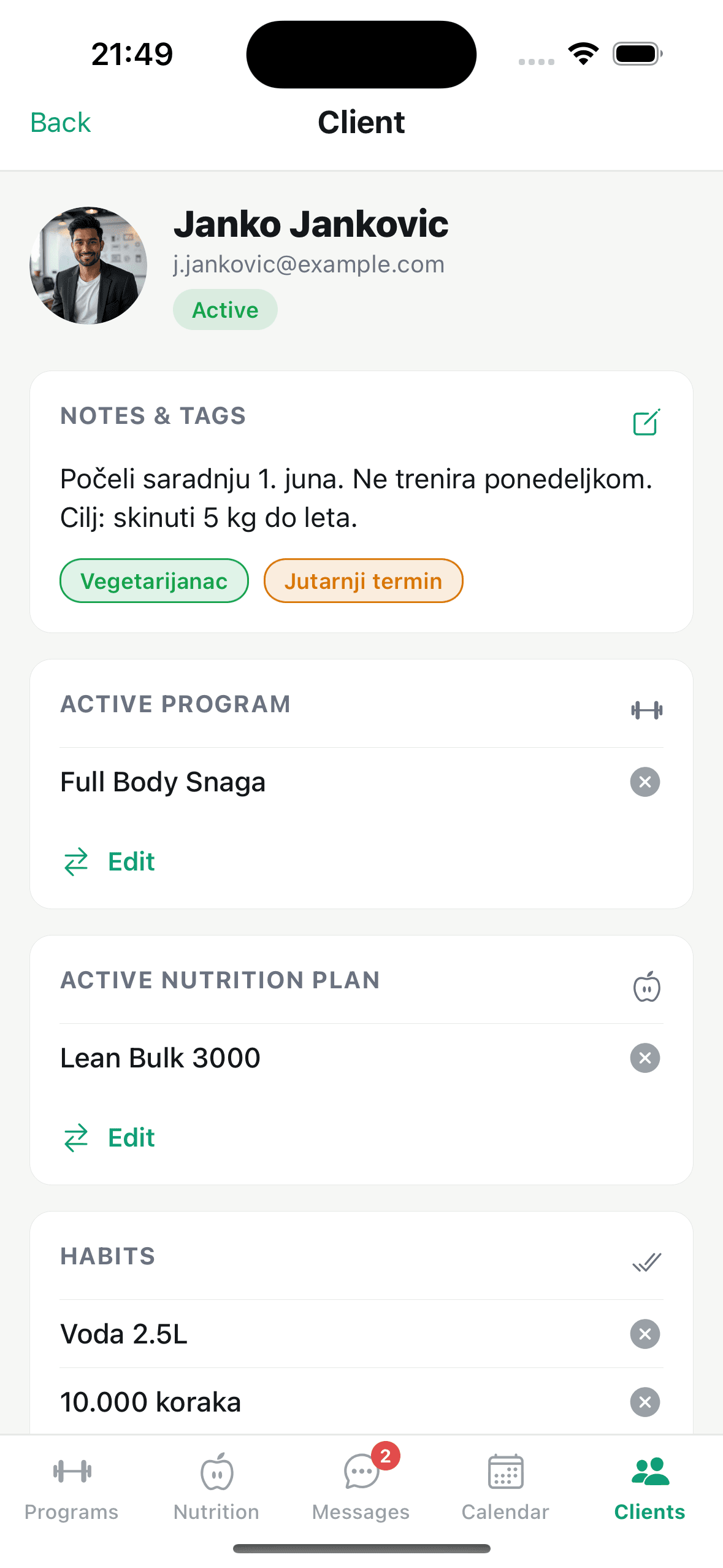
Fitler is built for remote trainer–client work: build the program, assign it, and follow completed workouts live. Start free and only pay as your client count grows. Sign up for early access on the home page.