

Built for personal trainers
Coach clients.Not spreadsheets.
Build workout programs, assign them to clients, track completed sessions and keep conversations together — without the admin overload.
Free for up to 2 clients · Works in your browser

How it works
From program to completed workout. Three simple steps.
Set up your client's training once. Keep everything connected from the first assignment to their next completed session.
- 1
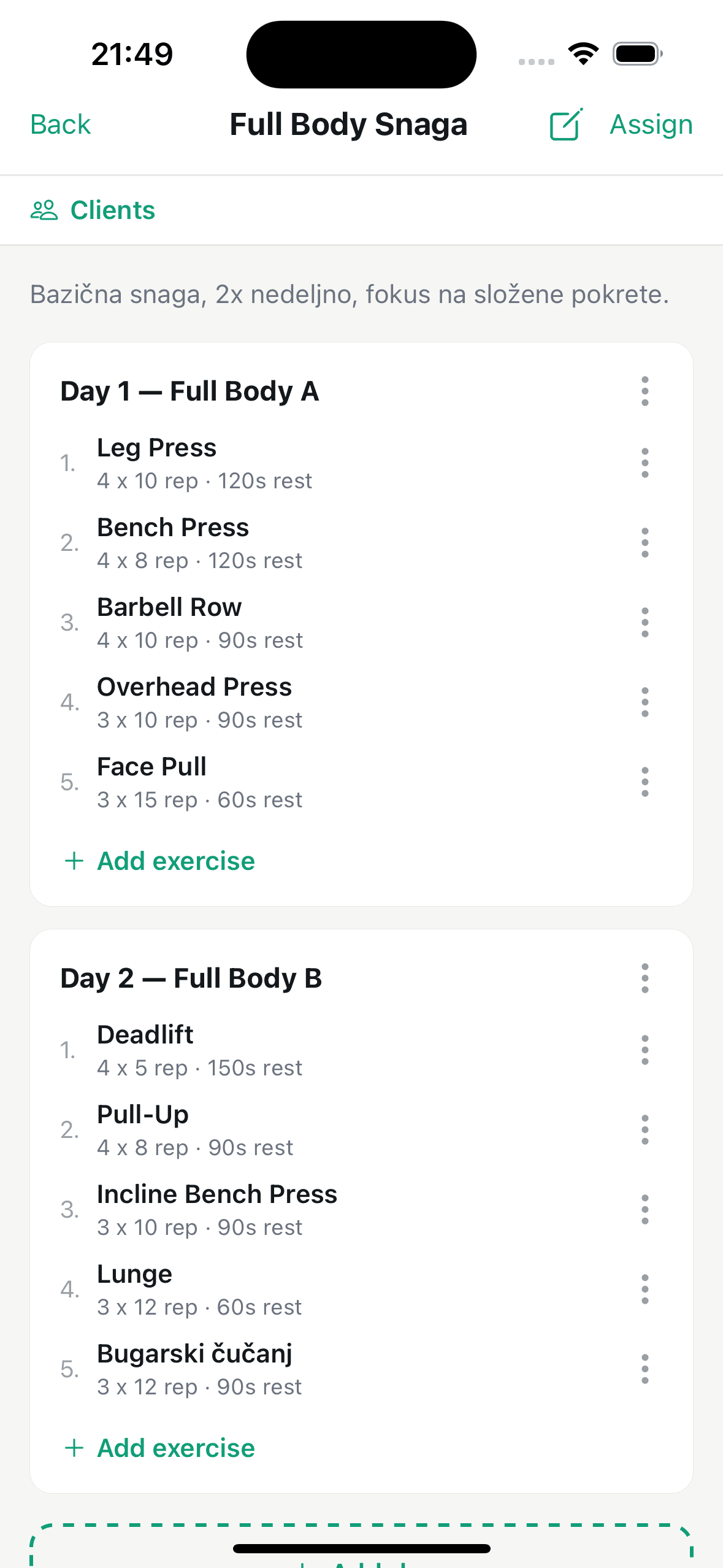
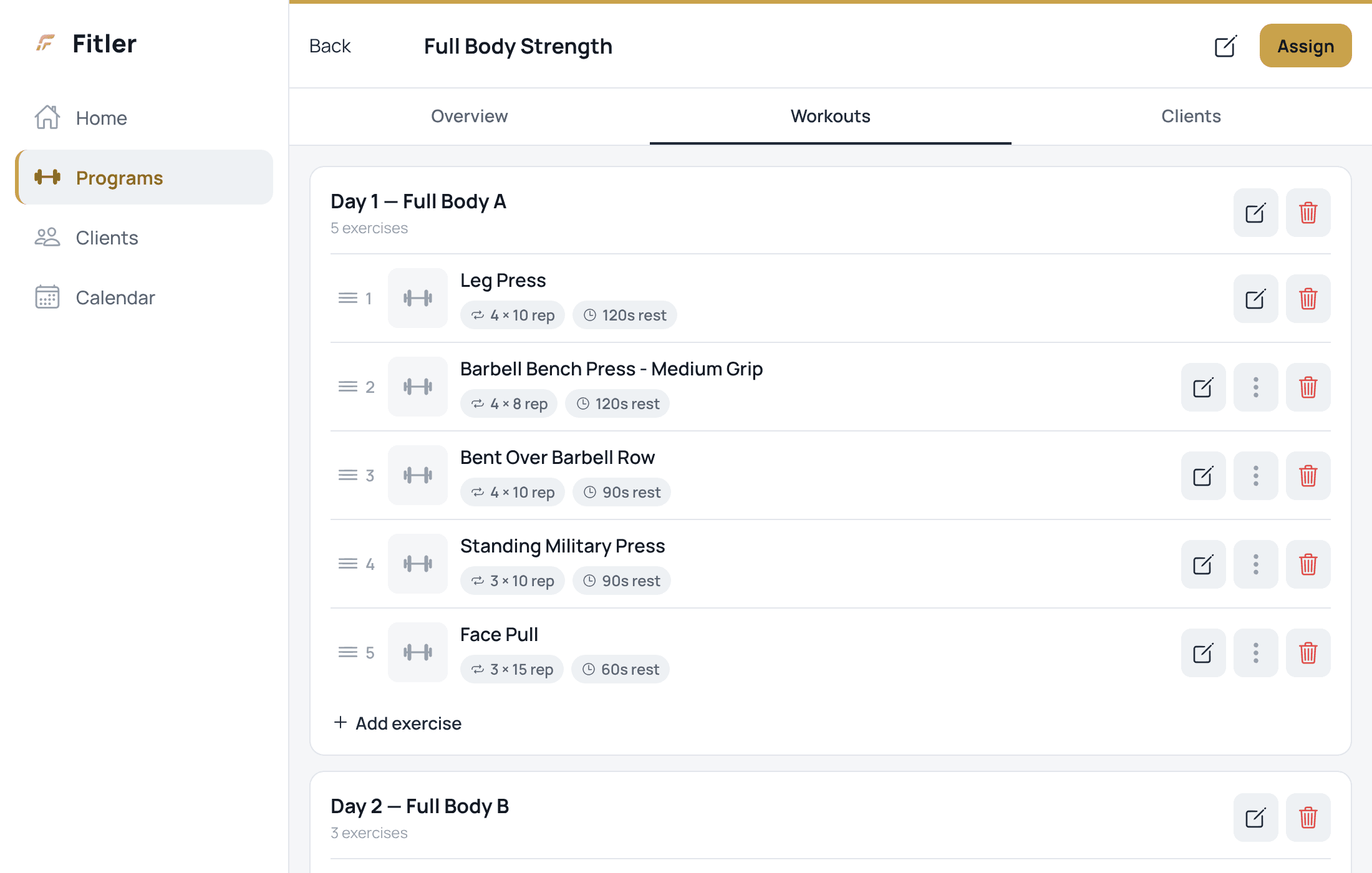
Build a program
Create workouts from the exercise library, adjust sets, reps and rest, and organize the sessions your client needs.
- 2
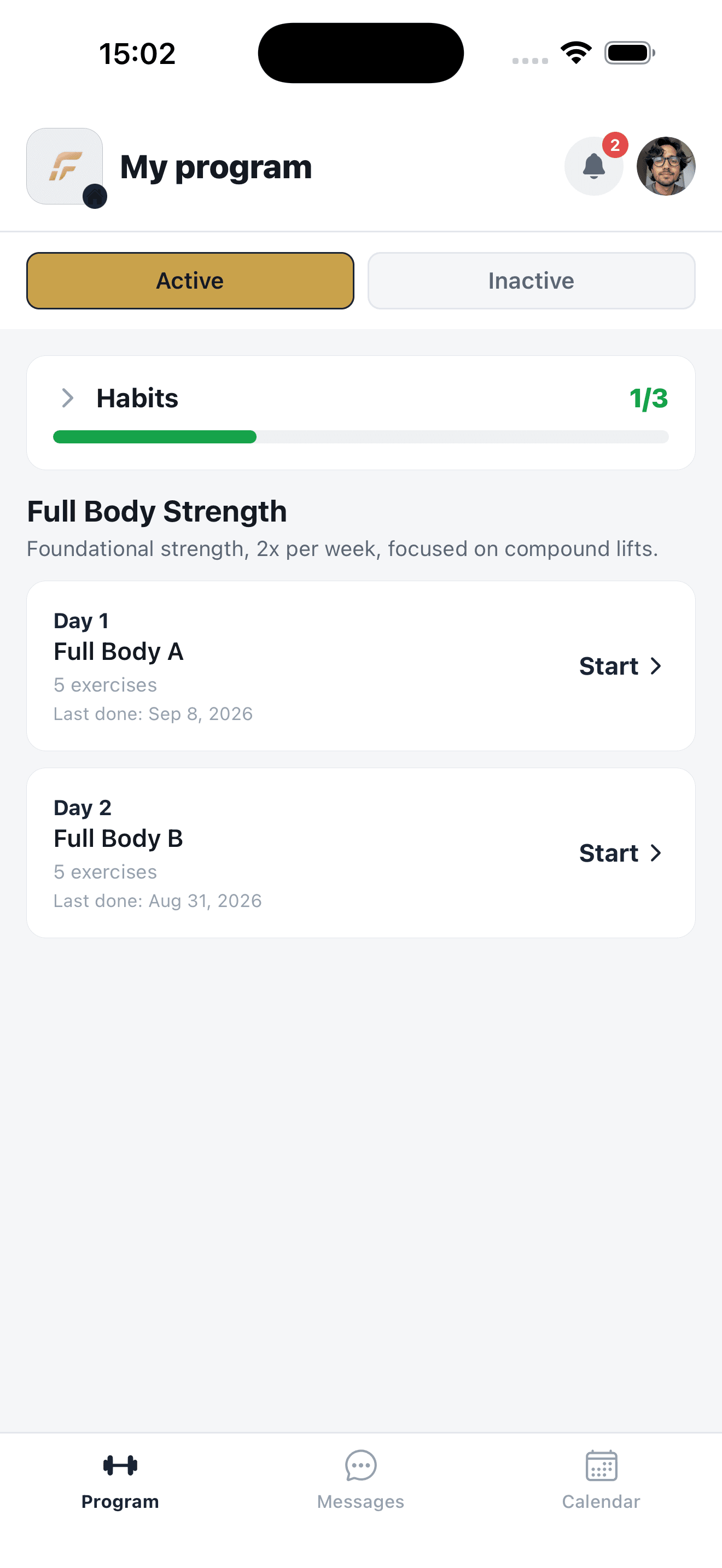
Assign it to a client
Share the program in Fitler. Your client opens their workouts without searching through messages or files.
- 3
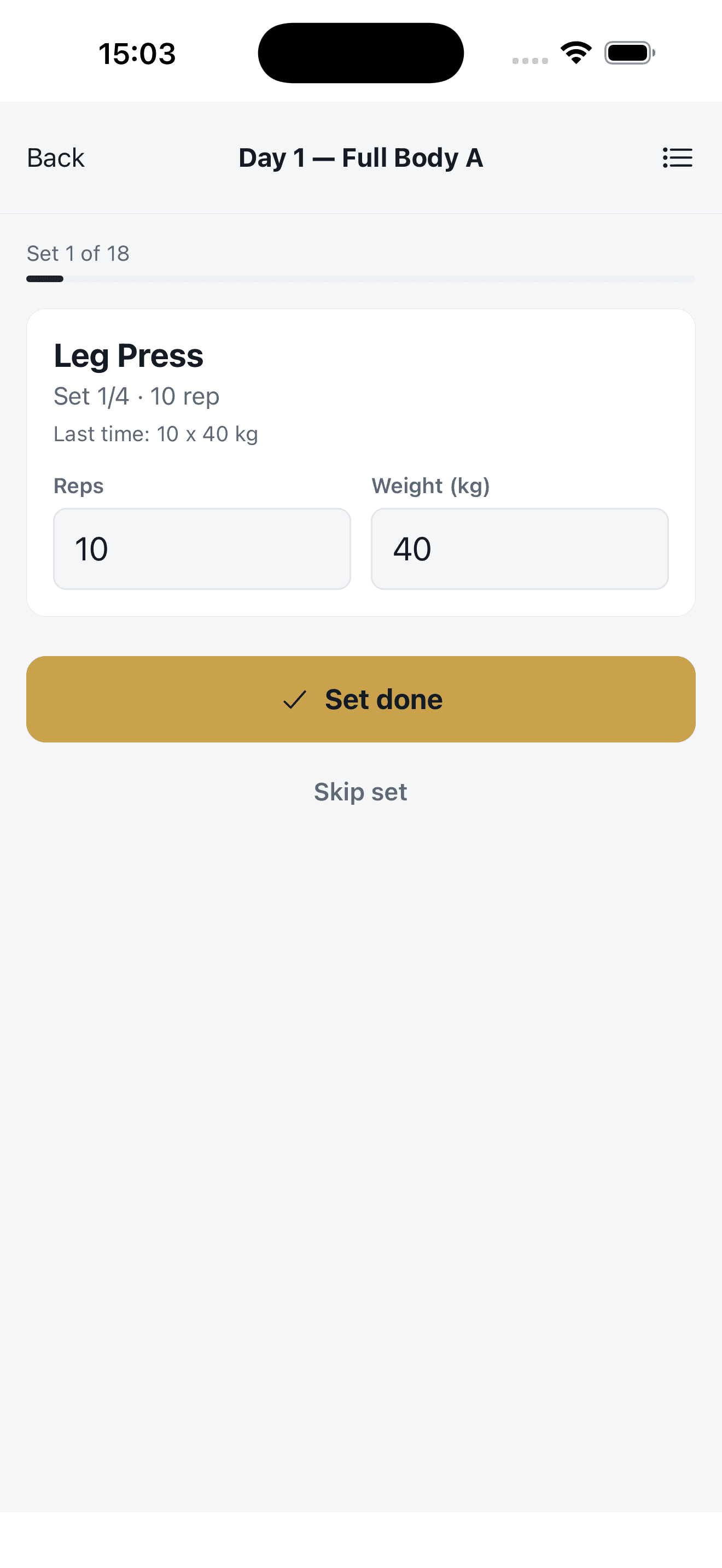
Follow the training
Clients log sets and weights as they train, and you see completed sessions, so your next conversation starts with what actually happened.
One place for your coaching
Your programs, clients and conversations. Together.
Less jumping between tools. More clarity about the workouts you deliver and what your clients complete.
Workout programs built around your clients
Plan sessions, choose exercises, set reps and rest, and assign the right program to each client. Everything stays organized in one place.
Training calendar
Schedule sessions and see them alongside the rest of your work.
Set history
Logged weights and reps from earlier sessions — lifting history, not body weight or measurements.
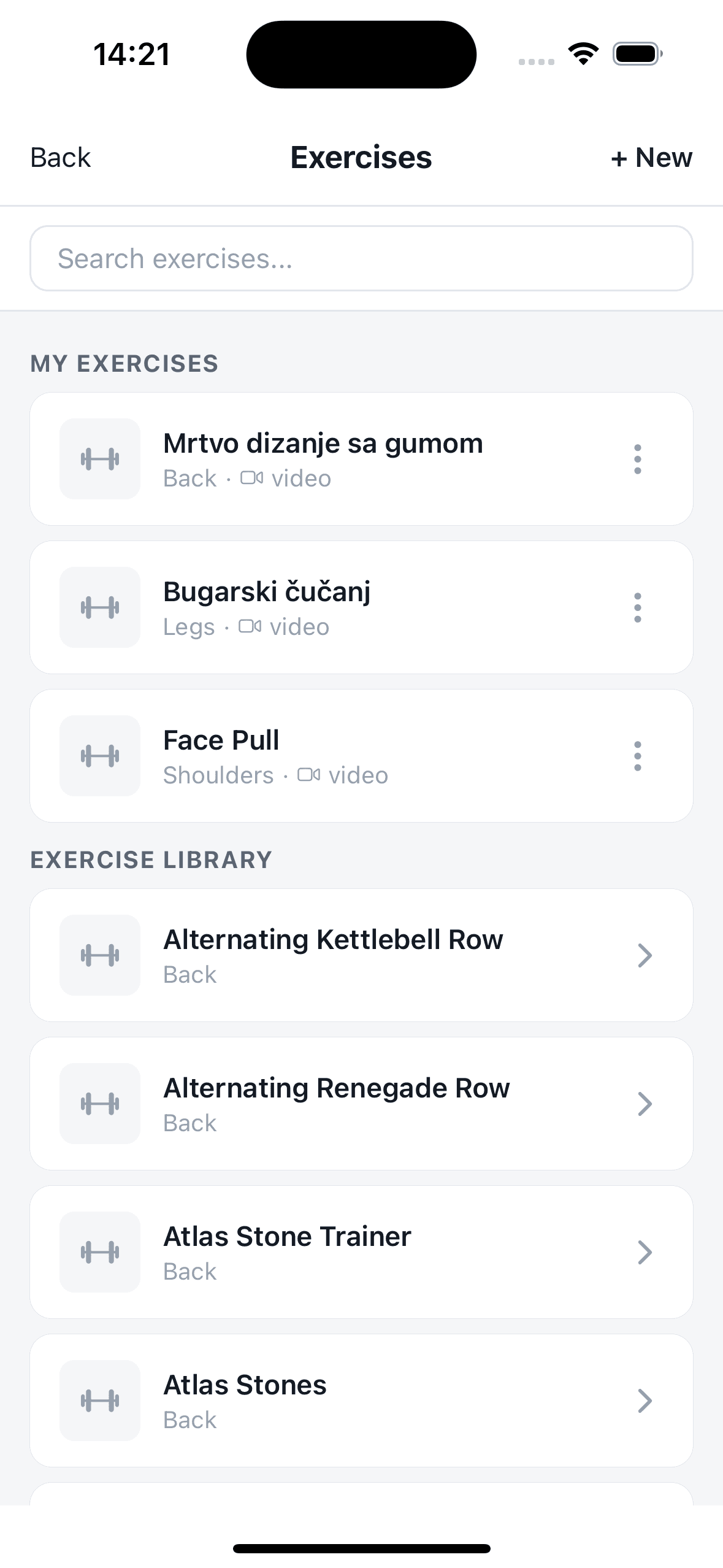
Exercise library
Over 800 exercises with demonstrations and instructions — or add your own.
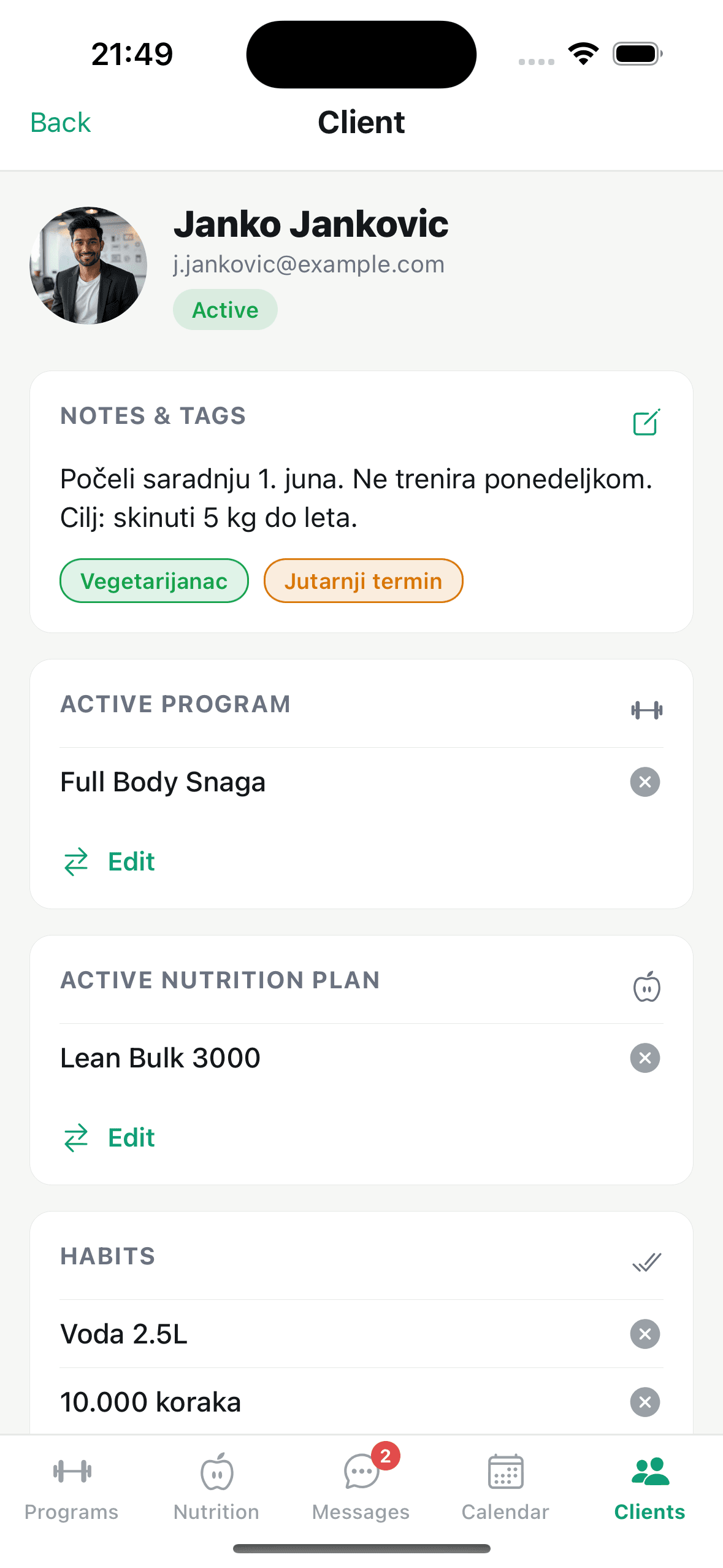
Client management
Client programs and training activity in one place, without scattered spreadsheets.
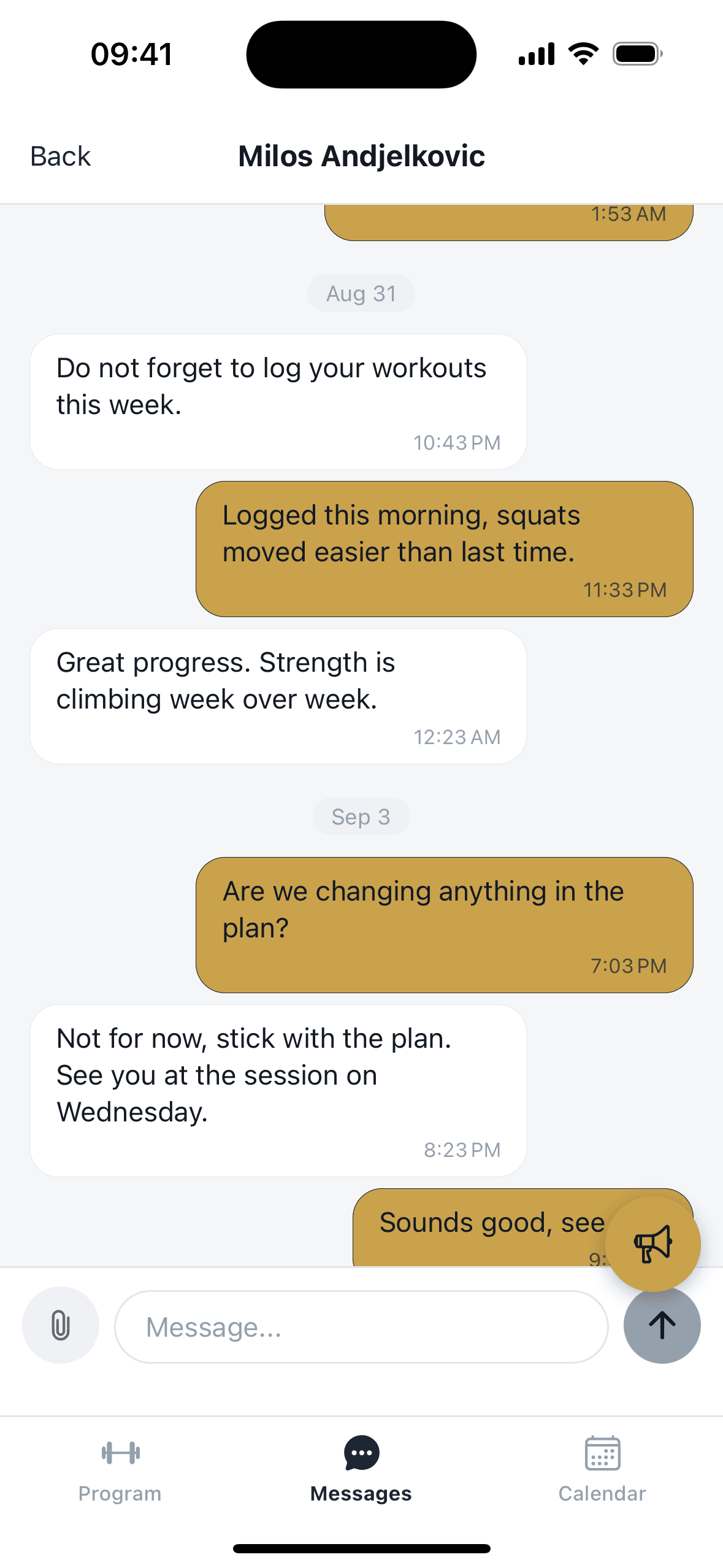
In-app messaging
Answer questions, give feedback and stay close to your clients between sessions.
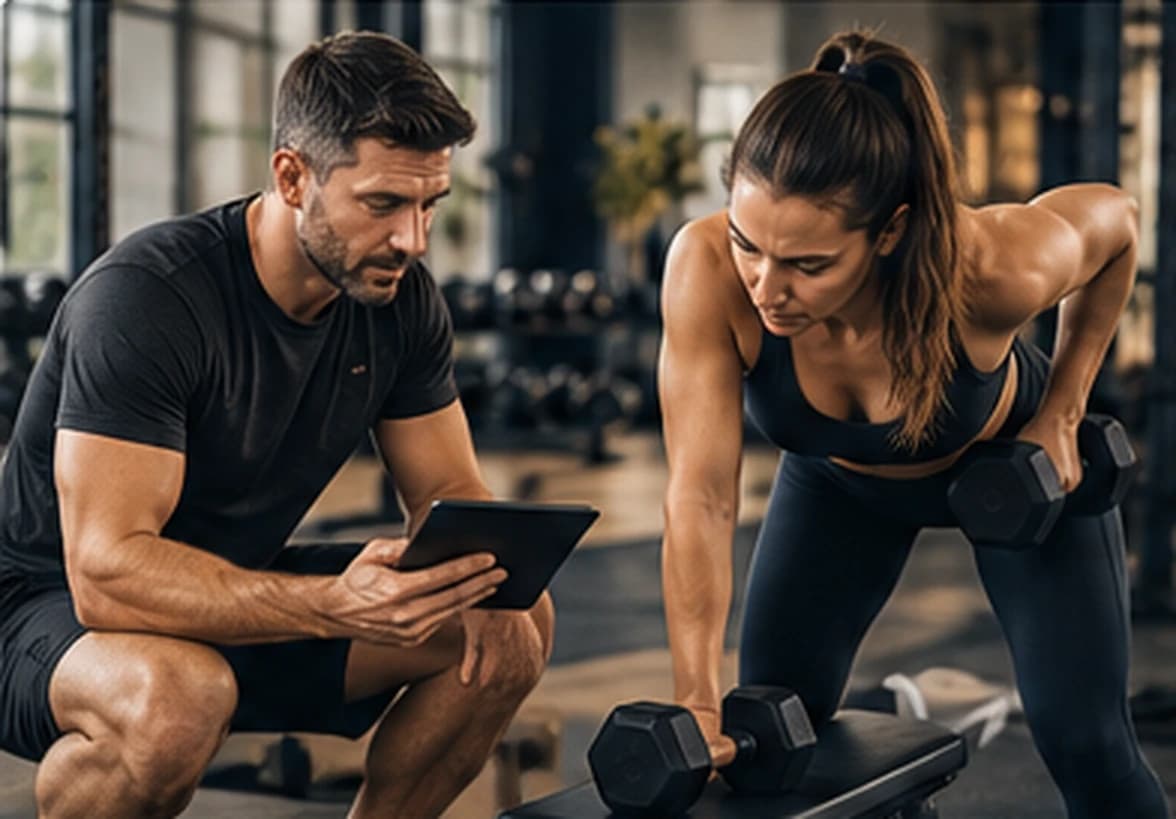
Focus on coaching
More time with your clients. Less time on admin.
Your time is better spent coaching than searching for the latest workout file. Fitler brings programs, sessions and conversations into a single workflow.
Explore the featuresSimple pricing
Start free. Grow when your client list grows.
Pick the plan that fits your coaching business today. Upgrade as you take on more clients.
Prices exclude VAT. Billing starts at public launch.
Frequently asked questions
Who pays for the app?
The trainer pays a subscription; clients use the app for free.
Is there a free plan?
Yes — the Free plan gives you up to 2 clients at no charge, to try the core features.
Can I change plans later?
Of course. Upgrade or downgrade at any time — limits and features apply immediately.
Which devices does it run on?
Fitler runs in the browser on your phone, tablet and computer — open web.fitler.app and sign in, nothing to install. Android and iOS apps will follow; leave your email further down the page and we’ll let you know when they’re ready. Trainer and client use the same account system with different roles.
What does training progress mean in Fitler?
Completed workouts and recorded sets — the weights and reps from earlier sessions. It is not body measurements, progress photos or nutrition.
On your devices
Work in your browser today. Mobile apps are on the way.
Use Fitler in the browser on your phone, tablet or computer. We’ll let you know when the dedicated Android and iOS apps are ready.
Ready to get organized?
Your next client.Better organized.
Start with your first workout program and keep client training organized from day one.
Start freeFree for up to 2 clients.